Test prototype · sample prices · only this product can be purchased Layout: A B C Glass: Liquid Original
MAXIMUM
Lenovo IdeaPad 5 2-in-1 Gen 9 14″ screen protector Image 1: new graphic coming Matte Anti-Glare Film

Model-specific screen protector

Lenovo IdeaPad 5 2-in-1 Gen 9 14″

✓
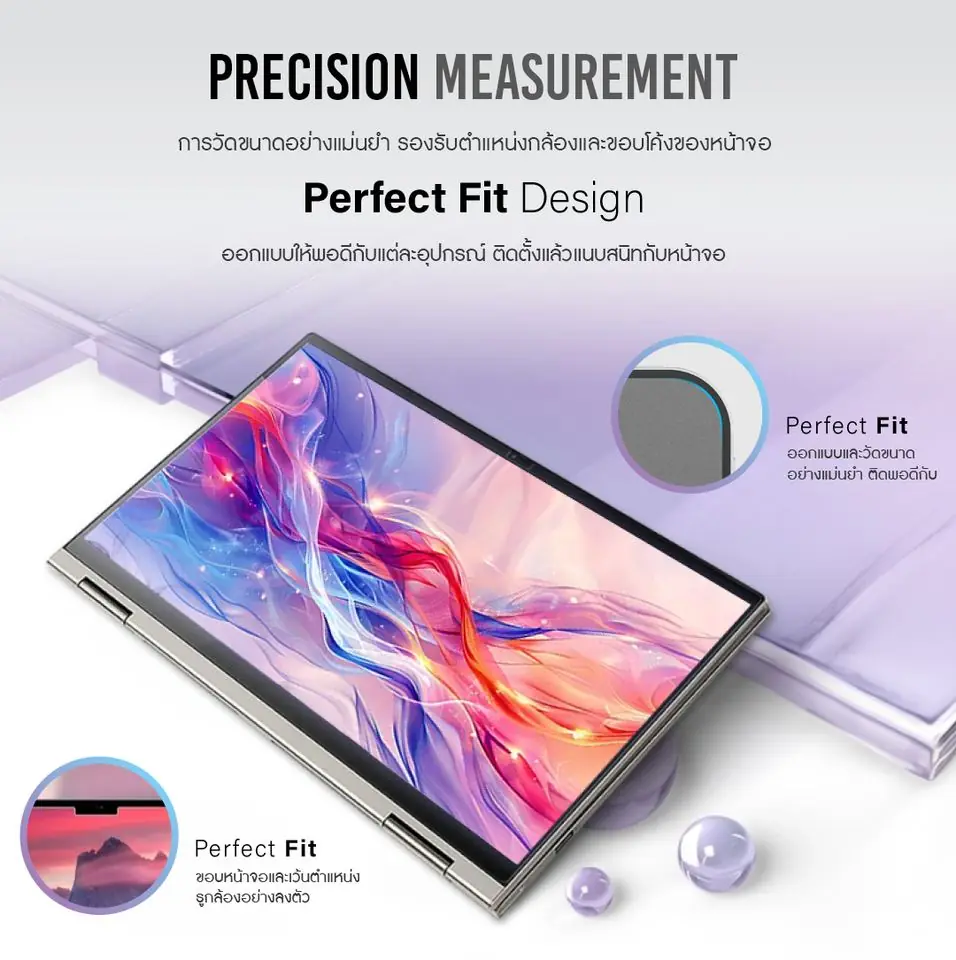
Standard screen size · exact fitFilm size 30.8 × 20.9 cm · 16:10 screen

Choose your film

฿299฿399
1

Save ฿100

Have a discount code?

Pay by PromptPay or bank transfer · Ships within Thailand [delivery time TBC] · Warranty [TBC]

Try before you choose

Film features

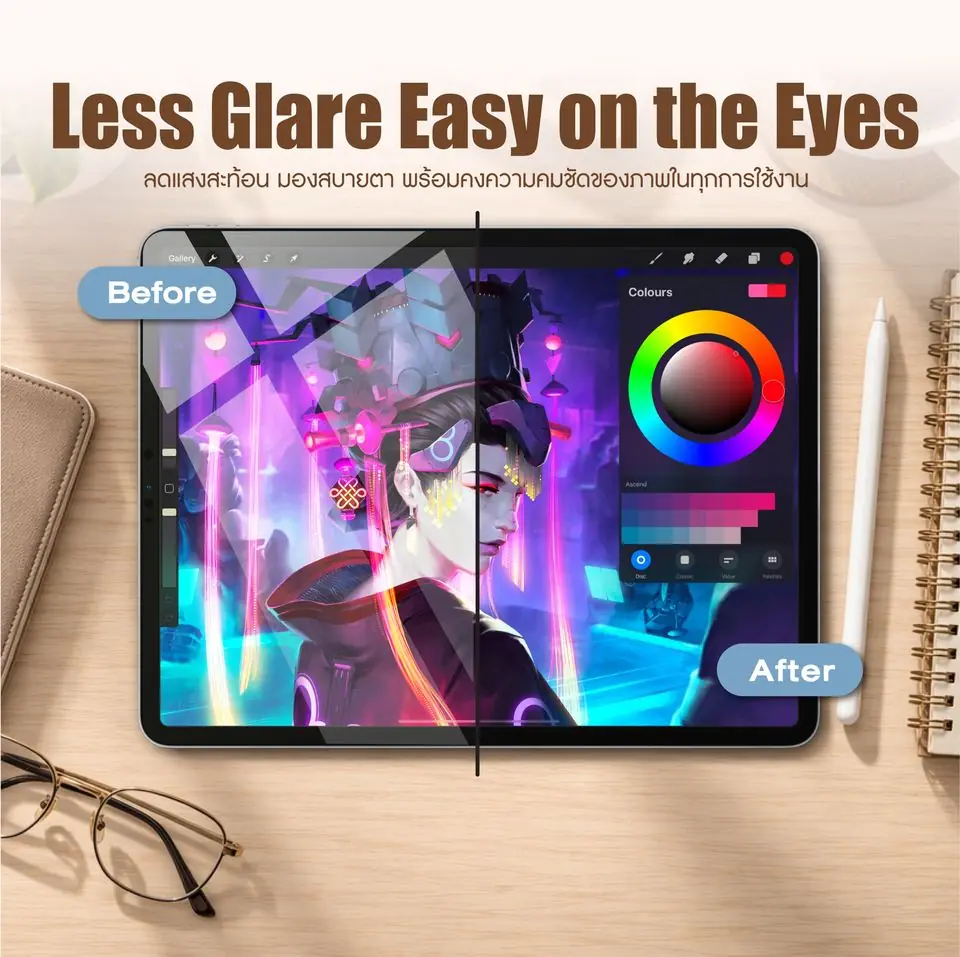
  1. 1Tap a film sheet to try it
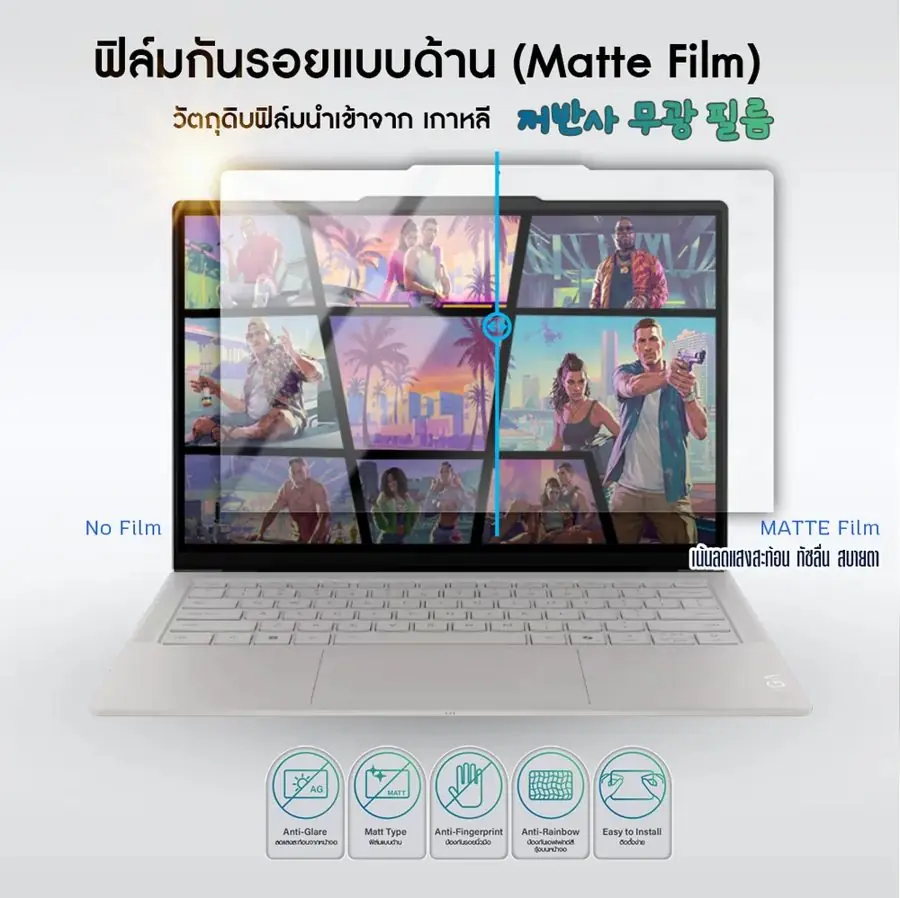
  2. 2Drag the centre line left = before · right = after
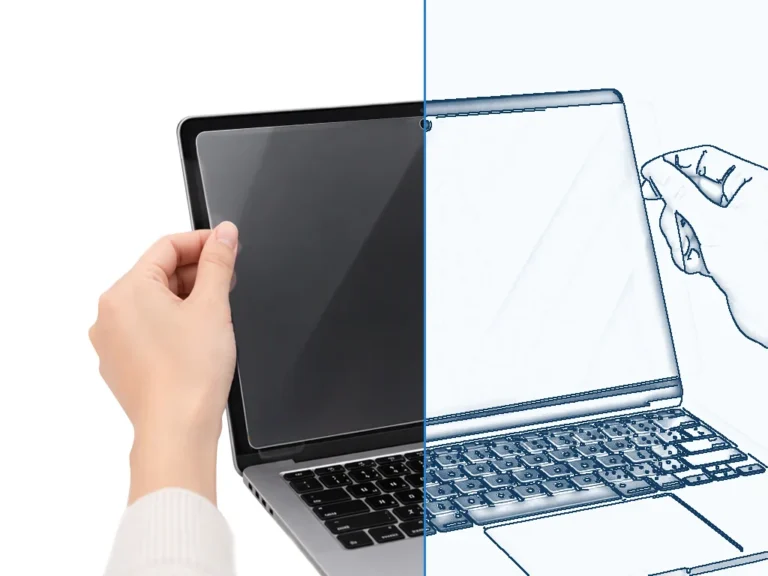
Laptop screen before applying film
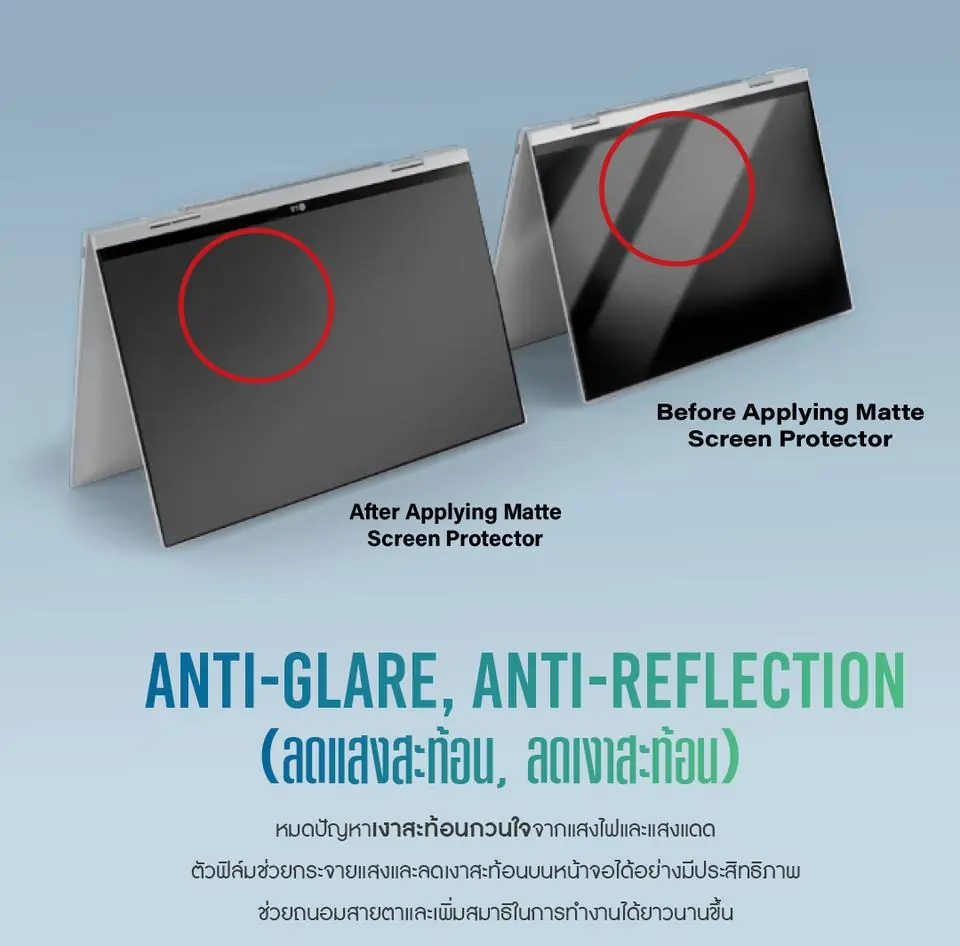
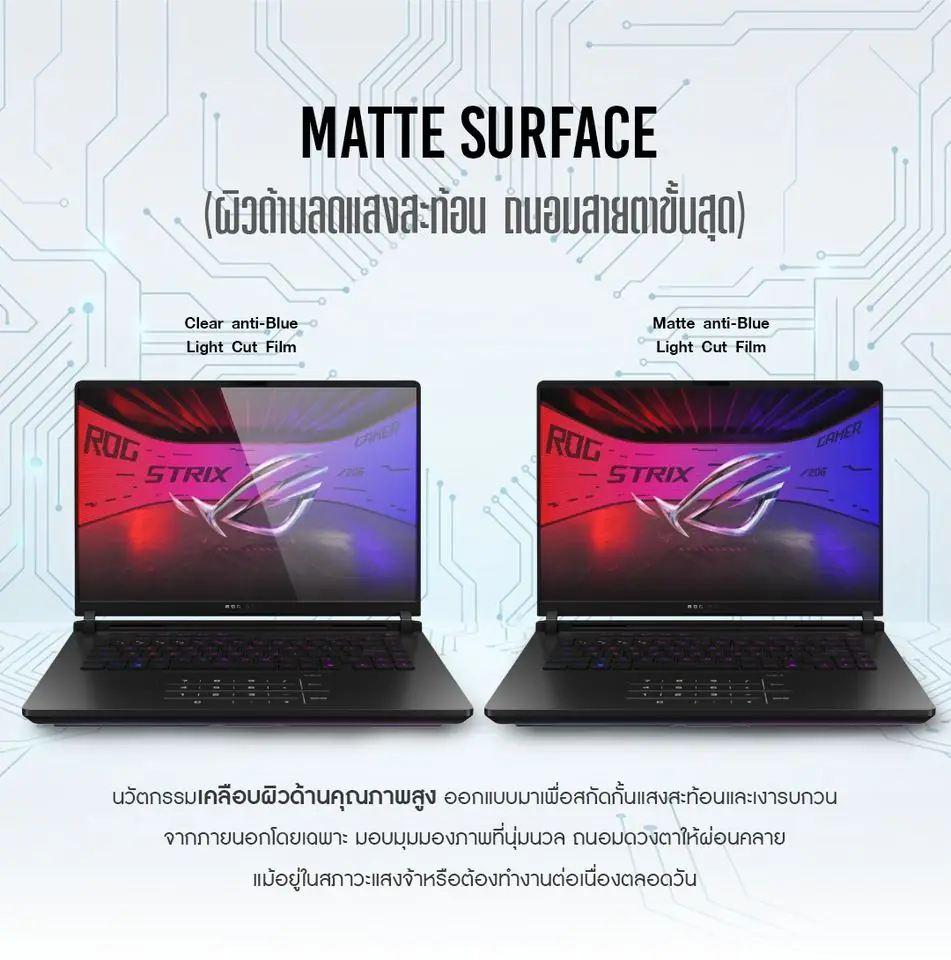
Before Bare screen: full reflections ✓ Reflections gone · soft on the eyes After · Matte

Simulation for comparison only. Actual colour and clarity depend on your screen.

2 / 6

In depth · Matte Anti-Glare

Matte Anti-Glare Film

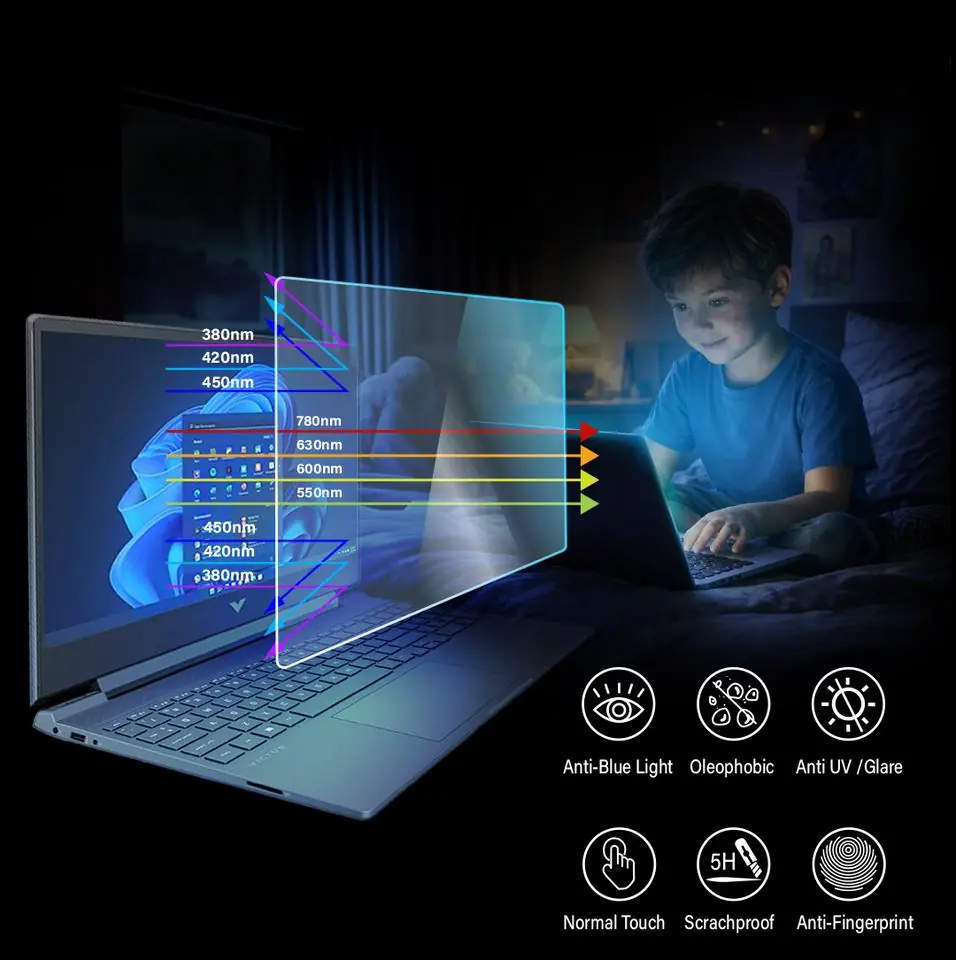
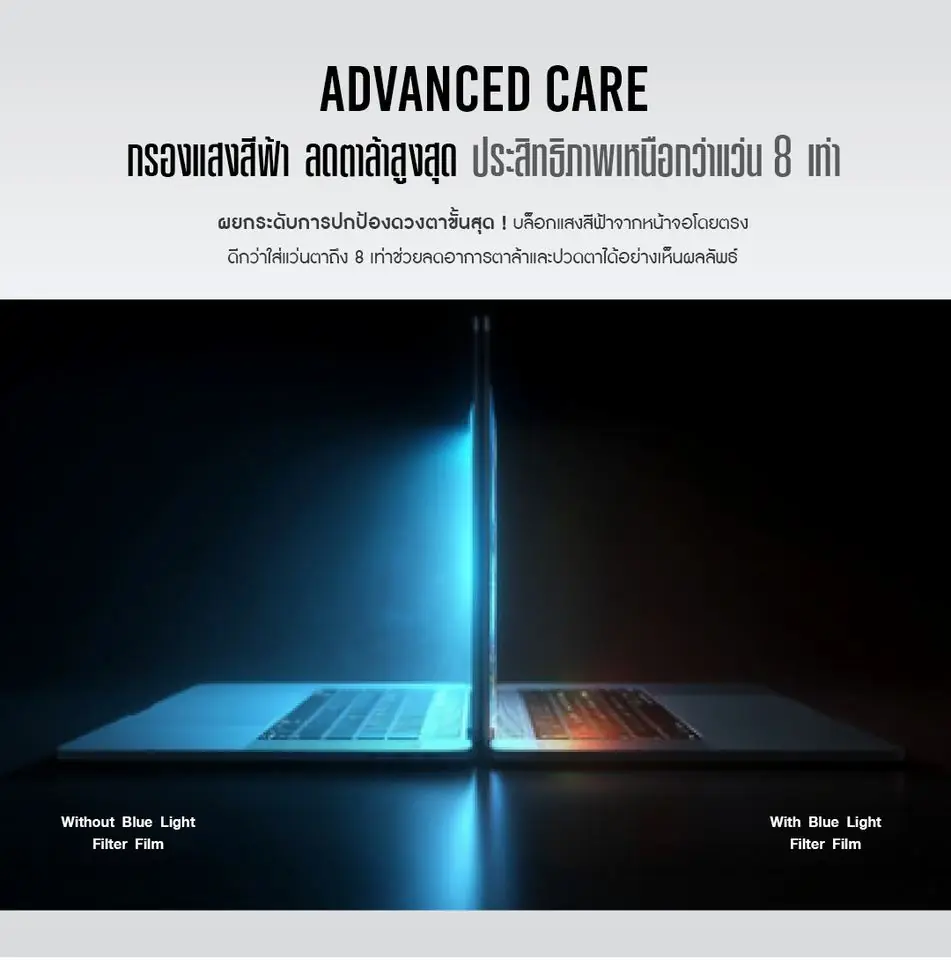
A matte anti-glare screen protector for anyone tired of lamp and window reflections. Made with film material imported from Korea, it cuts glare, resists fingerprints and keeps your screen looking clean all day.

A good fit if
Working near windows or under lights, with fewer screen reflections.
Before you choose
The matte finish slightly reduces image sharpness compared with clear film.

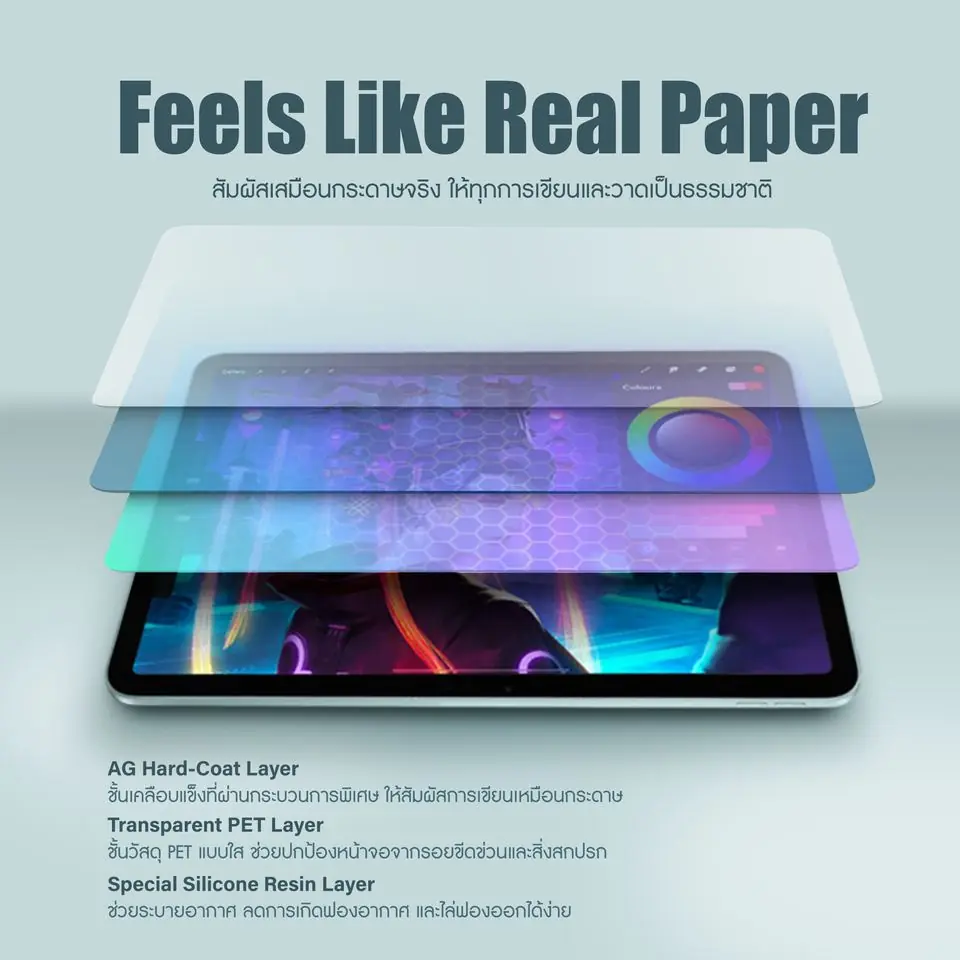
INSIDE THE FILM · Film structure

Inside the Matte Anti-Glare Film

  1. 01Front protective filmProtects the surface in transit and while you install. Peel it off once applied.
  2. 02Anti-glare matte surfaceDiffuses reflections to cut glare, with a hard-coated surface against scratches.
  3. 03PET base from KoreaA strong, even base film with no rainbow effect.
  4. 04Silicone adhesion layerClings to the screen like a vacuum seal. No glue, and no residue when removed.
  5. 05Release linerPeel this off just before laying the film on the screen.
Matte Anti-Glare Film Anti-glare, anti-reflection
01

Anti-glare, anti-reflection

The matte surface diffuses light from ceiling lamps and windows, so reflections on the screen almost disappear. Text stays easy to read even by a window or in a brightly lit office.

Matte Anti-Glare Film Anti-fingerprint, smooth touch
02

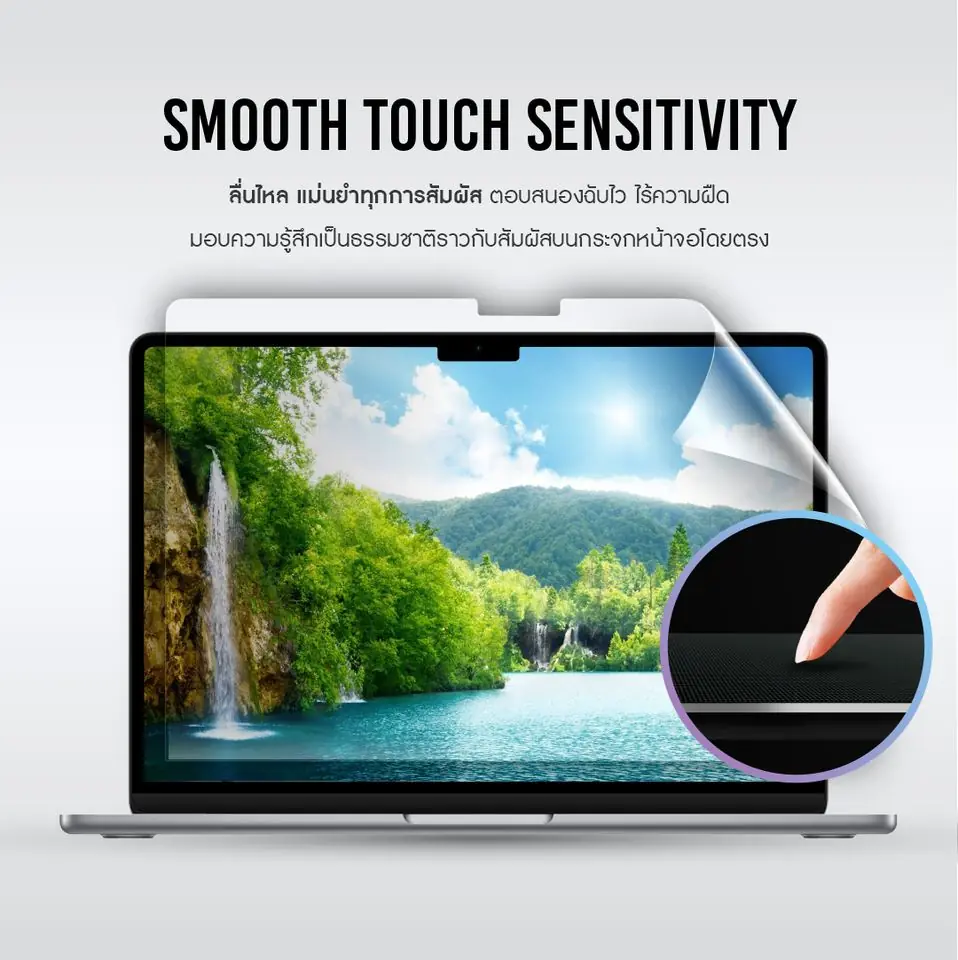
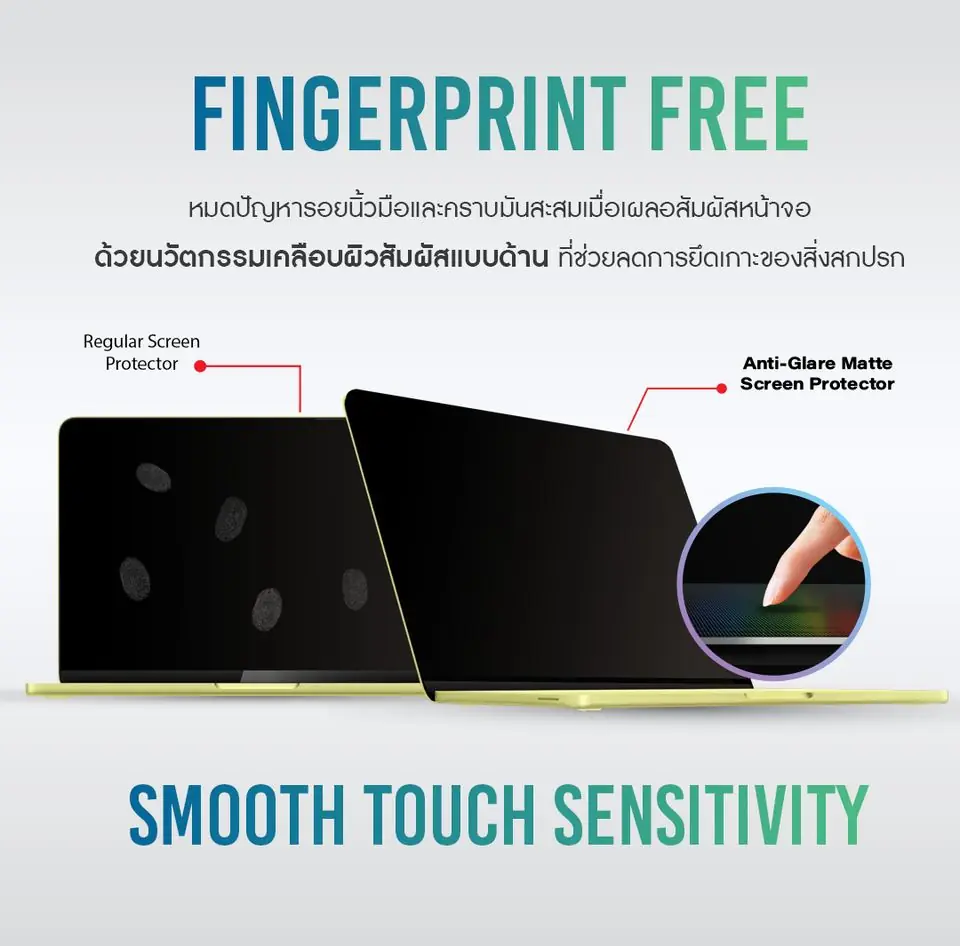
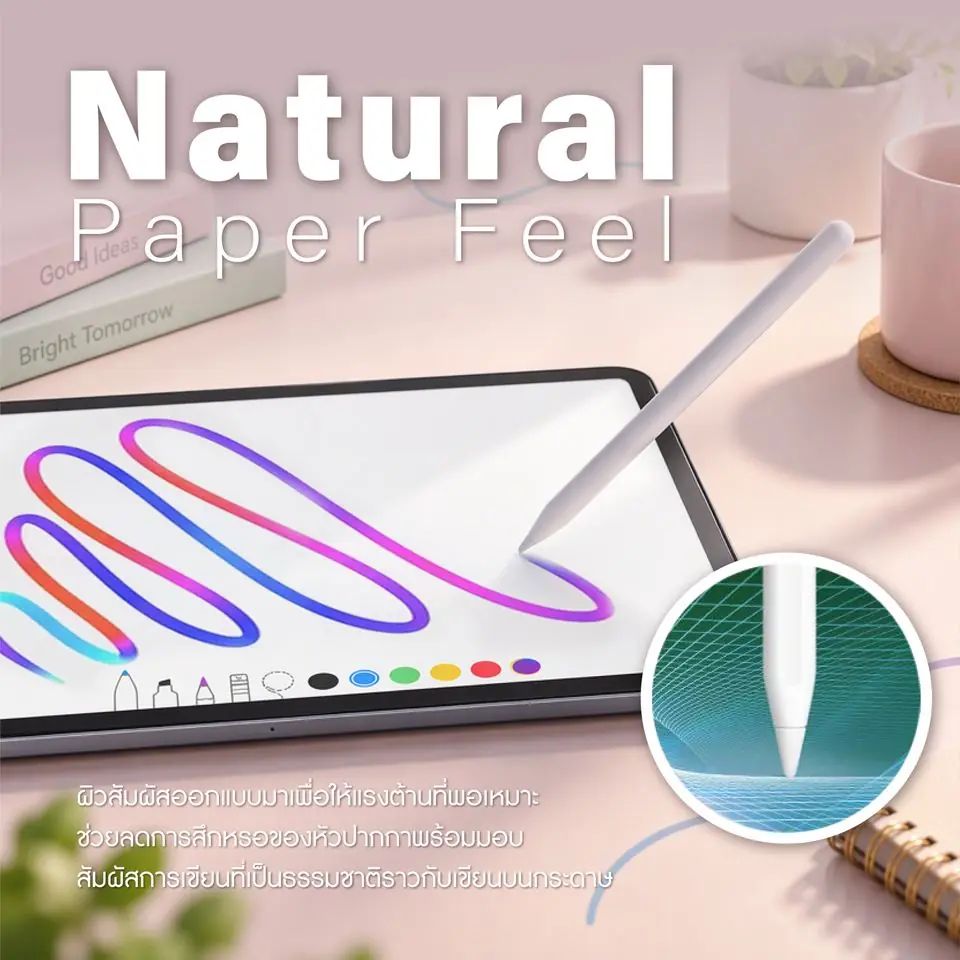
Anti-fingerprint, smooth touch

Unlike a glossy screen, the matte finish doesn’t show smudgy fingerprints, so your screen looks clean all day while touch still feels smooth.

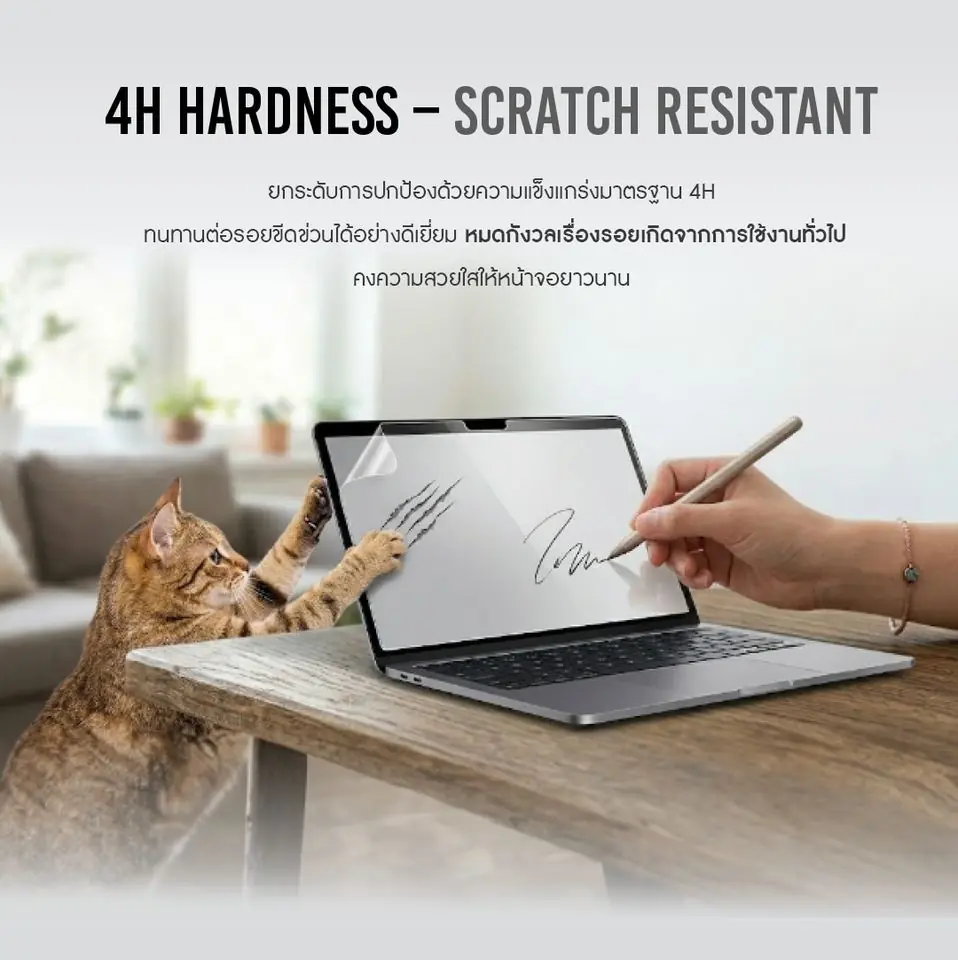
Matte Anti-Glare Film Hard coating, scratch-resistant
03

Hard coating, scratch-resistant

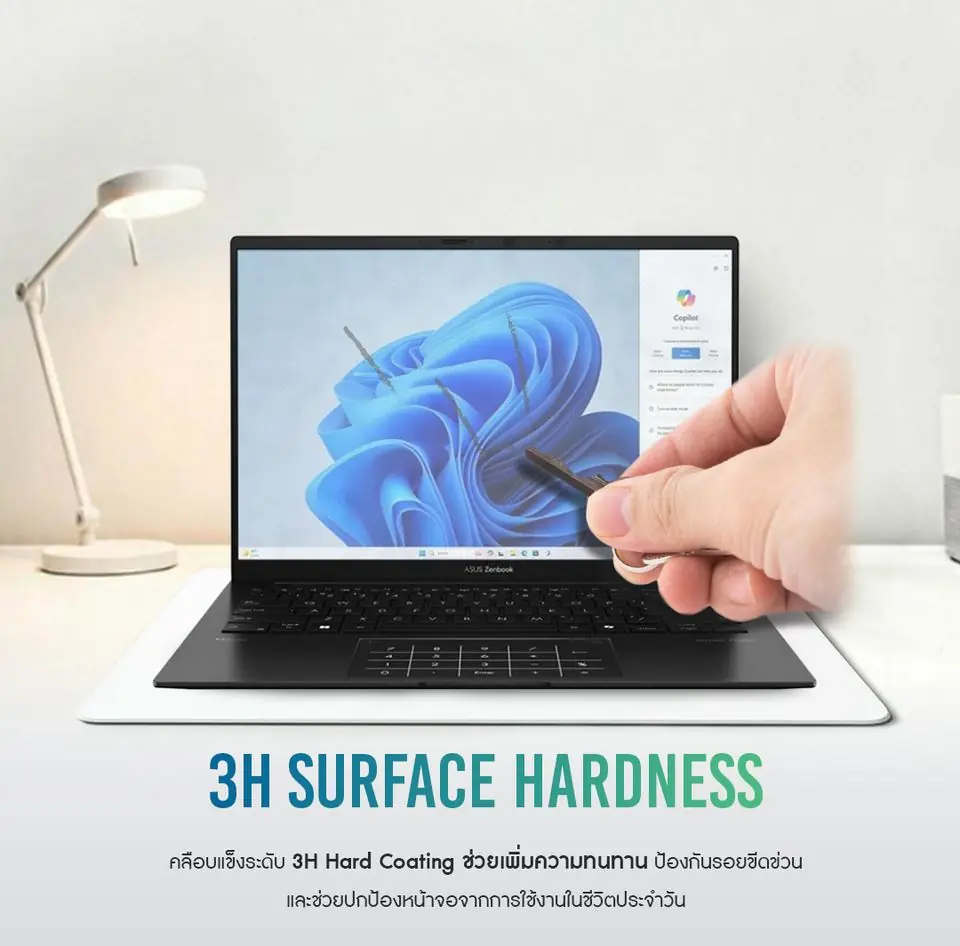
A hard-coated top layer protects against everyday scratches from pens, nails and carrying your laptop in a bag, keeping the real screen safe underneath.

Matte Anti-Glare Film Oleophobic coating
04

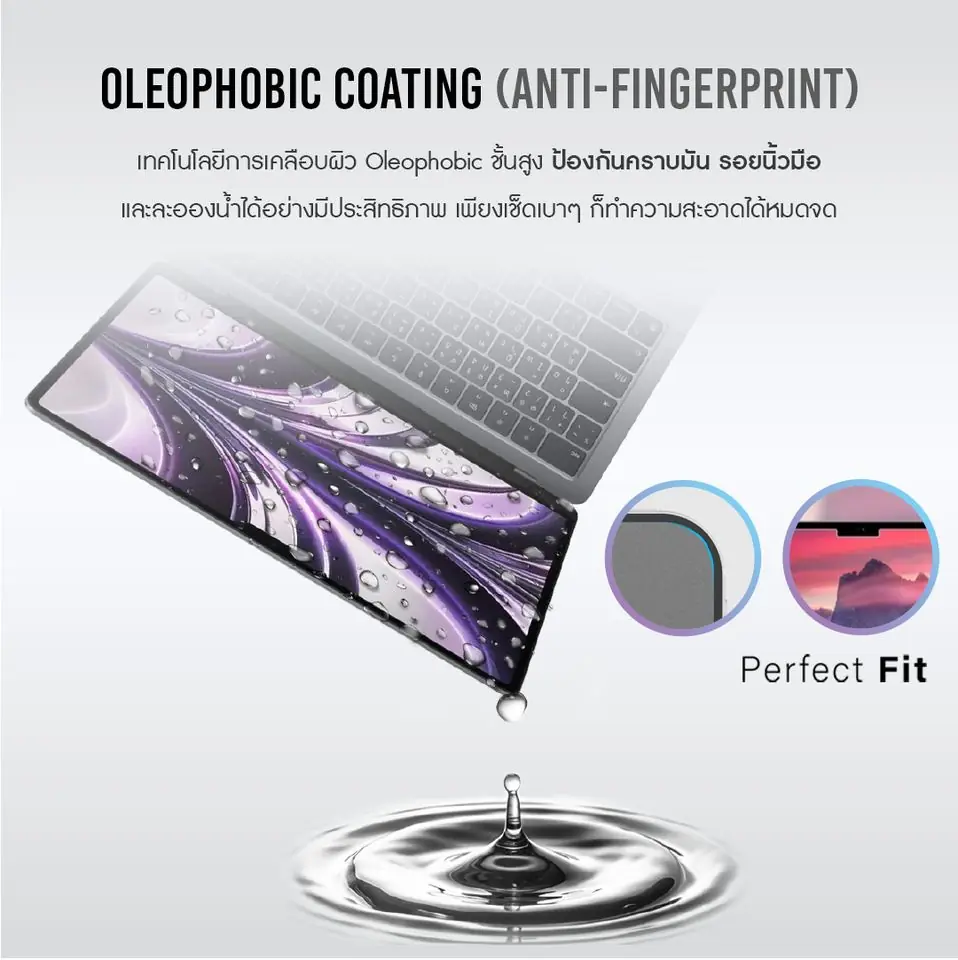
Oleophobic coating

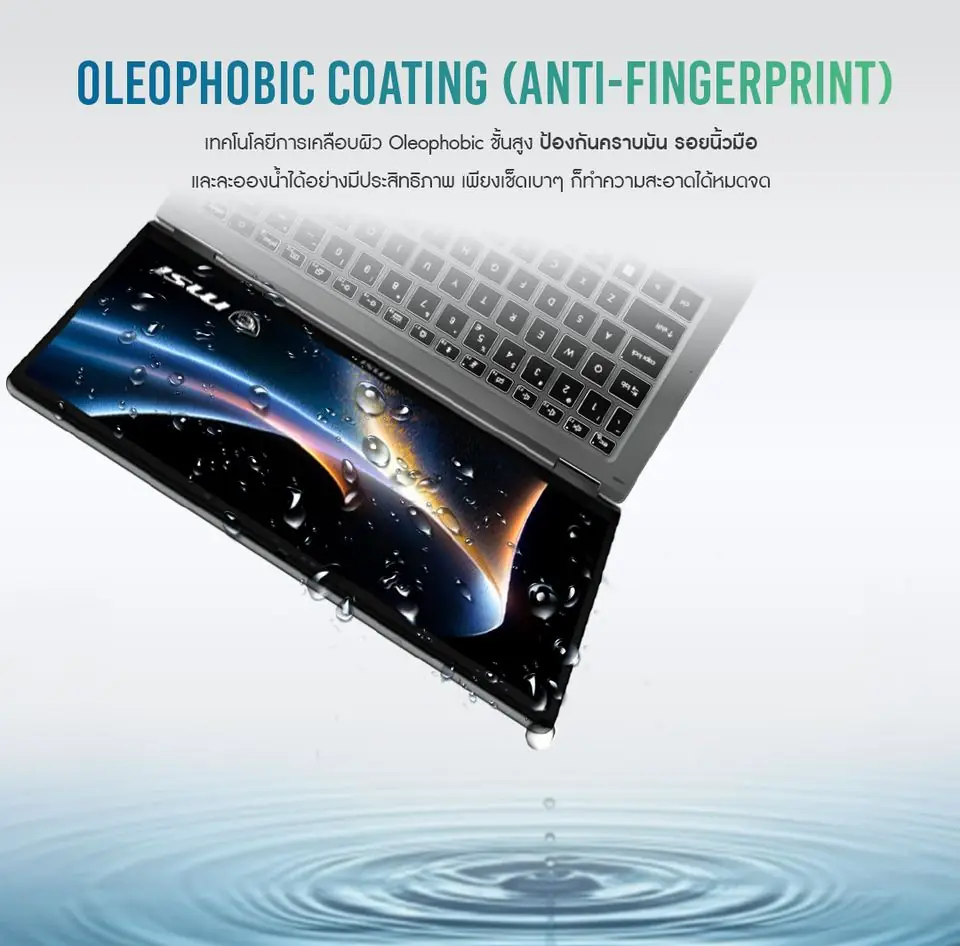
Water and oil bead up instead of sticking to the film and wipe away easily, so the screen stays clean for longer.

Installation guide

Install it yourself in 6 steps

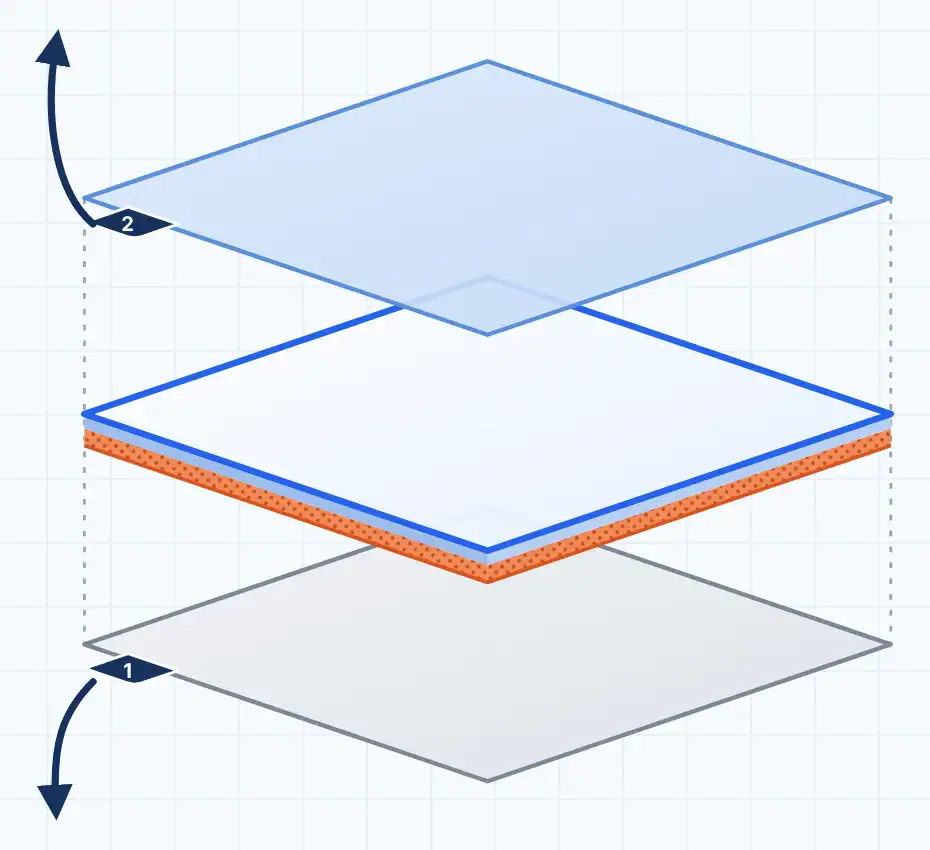
Each sheet comes with two covers — the back liner and the top cover. You peel them at different steps, so check the layer diagram before you start.

Power offDry screenLow-dust room, no fan

One sheet, 3 layers — shown apart

  1. 2Top cover (sticker no. 2)Protects the film while you install. Peel it off after the film is on.
  2. The protectorThe layer that stays on your screen. Its underside is the adhesive side.
  3. 1Back liner (sticker no. 1)Covers the adhesive. Peel it off before laying the film on the screen.

How: peel 1 → apply → peel 2

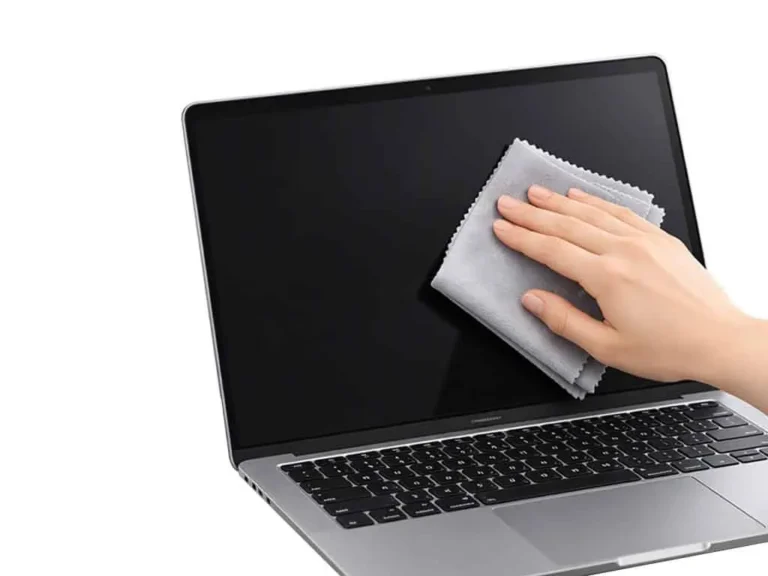
  1. Step 1: Clean the screen

    Step 1: Clean the screen

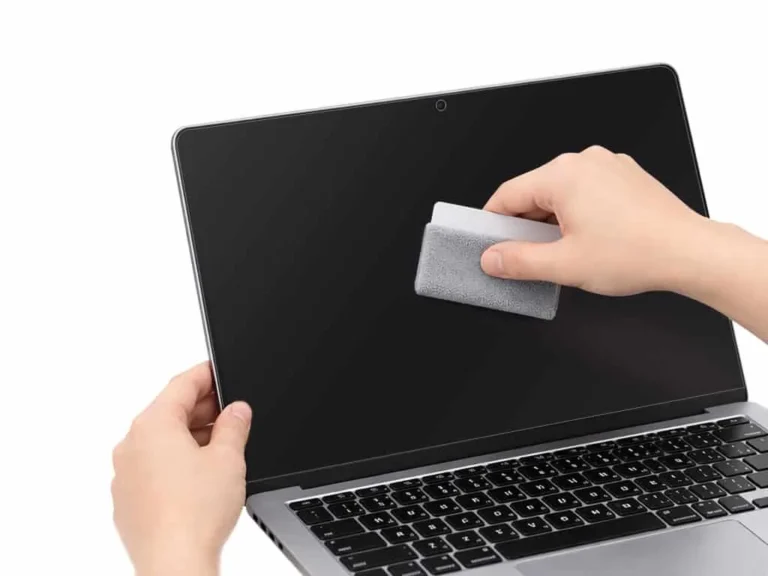
    Power off and wipe in small circles with a microfibre cloth until no smudges remain. Let the screen dry completely.

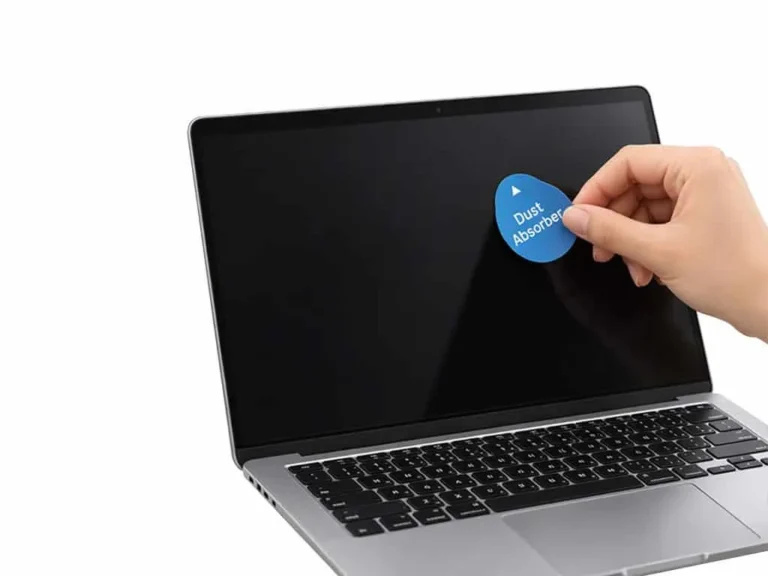
  2. Step 2: Remove the dust

    Step 2: Remove the dust

    Tilt the screen against the light to spot dust. Dab with the dust sticker and lift, covering every corner and edge.

    Dab and lift, don’t rub. Even one speck becomes a bubble under the film.
  3. Step 3: Align first

    Step 3: Align first

    Don’t peel yet. Hold the whole sheet on the screen so the edges run parallel and the camera cut-out lines up.

    Blue dashes = film edge · yellow ring = camera

  4. Step 4: Peel the liner and lay the film

    Step 4: Peel the liner and lay the film

    Hold the film by its edge, peel the liner from one corner a little at a time, and lay the adhesive side along your alignment, section by section.

    Never touch the adhesive side. If it goes on crooked, lift and re-lay straight away.
  5. Step 5: Smooth out the air

    Step 5: Smooth out the air

    Use the cloth-wrapped card from the centre out to the edges, following the arrows. No hard pressure.

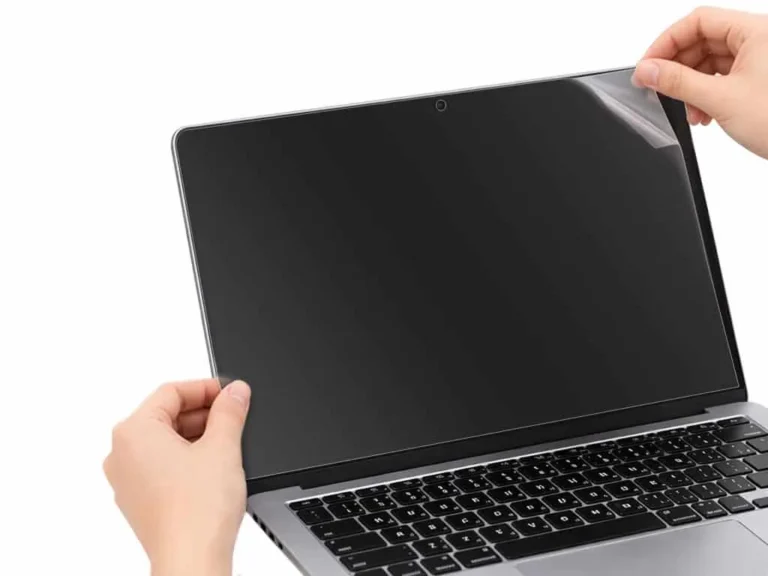
  6. Step 6: Peel the top cover

    Step 6: Peel the top cover

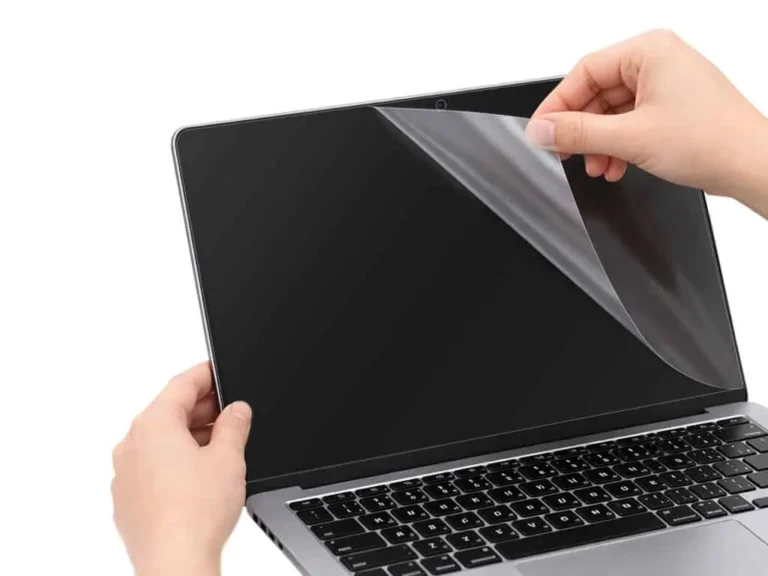
    Finally, slowly remove the top cover. The real protector stays on the screen.

Installation video

Real installation, every step from cleaning to the final peel · Thai subtitles · 53 seconds

Matte Anti-Glare Film · Film only฿299